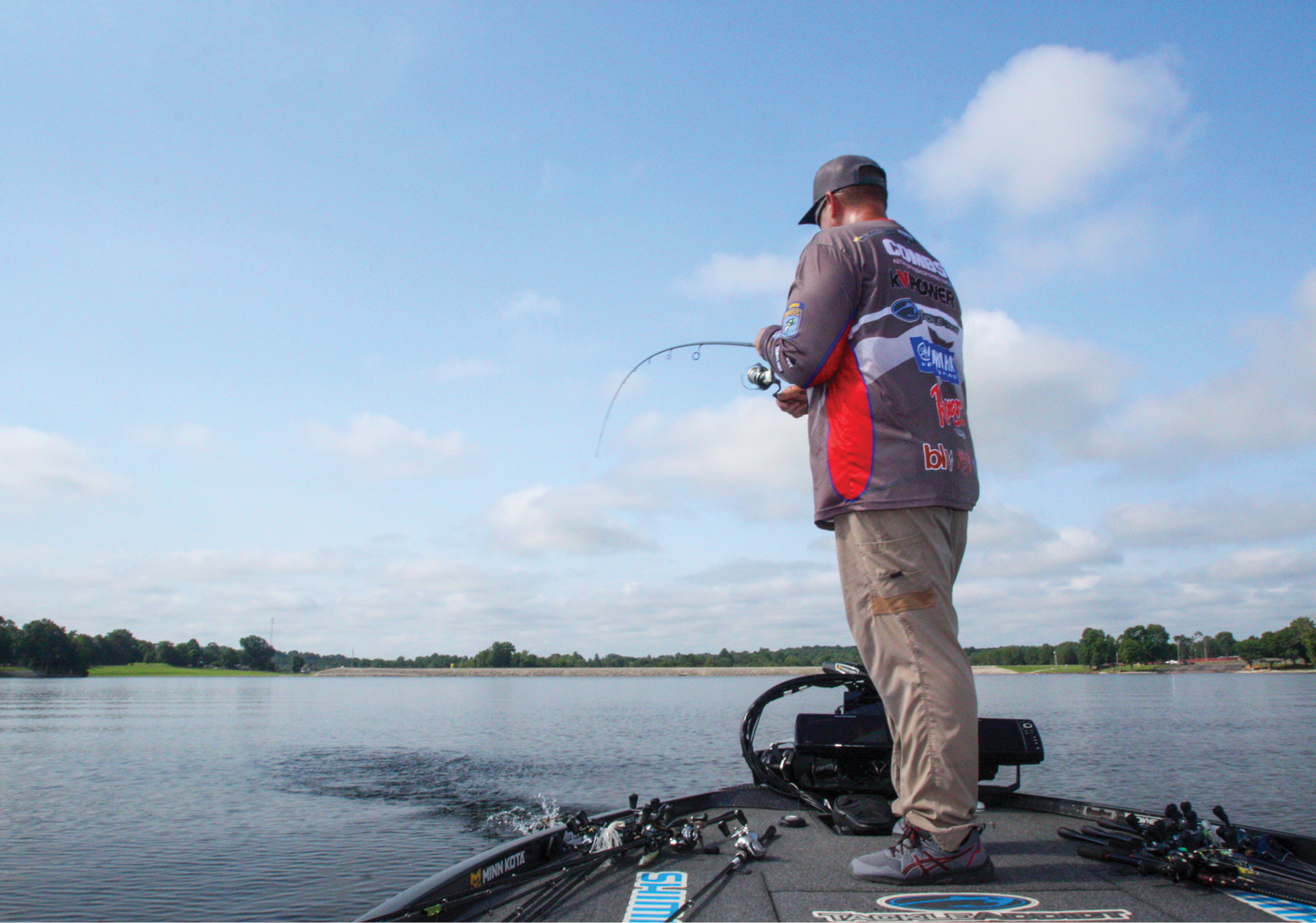
I’ve spent a lot of time this offseason guiding anglers on Texas lakes. Some of them just want to go out and catch a bunch of fish, but lots of others want instruction, either on a particular technique or increasingly on how to use their electronics.
What I’ve learned from watching and helping many of them is that these new systems can be intimidating. Whether you’re running Humminbird’s top-of-the-line Apex systems or the newer Xplore units, they’re both packed with features that’ll help you catch bass, but at times that can be overwhelming.
The most common mistake I see is guys who have upgraded their electronics significantly but haven’t made a corresponding improvement in their battery power. I run four Apex units, and they draw a lot of amps. I know if you don’t provide enough power all day, you won’t get the best image quality possible. Do your research, get the appropriate batteries for the job, and when you’re not using one or more units, put them in standby to conserve power. I’m running a Lithium Pros 150 amp hour battery directly to my electronics, and that provides good, clean power all day.
One other problem I see is anglers go down a rabbit hole and try to make all sorts of settings but forget how to get back to where they started. No matter which system you use, learn where the “restore factory defaults” tab is in your settings. That way, if you’re totally lost you can always start over. It’ll give you the confidence to make adjustments and not worry about ruining everything.
Scroll speed is another setting that seems to cause problems. I just leave it at the factory setting, but a lot of anglers seem to want to jack it way up high. They figure they’re idling fast and it’ll help them process what’s below. That’s a misconception. All it does is skew your images. More is not always better.
Keep your range close at first too. I know there’s a temptation to set it out at 150 feet in each direction to try to see everything, but it pays to start off tighter and then move it out as you get more experienced. I generally run it at 90 feet in each direction, but you might want to start it 10 or 20 feet closer – you’ll see everything in better detail.
Most importantly, don’t make major adjustments to compensate for a perceived problem or change in conditions. Yes, going from stained water to crystal clear water, or changes in depth require adjustments, but take it slow. It generally comes down to minor changes in sensitivity and sharpness. I very seldom stray from the factory settings on a lot of different aspects of my electronics, and I have a limited number of color palettes that work for me – so I stick with them.
Finally, I strongly suggest you consider implementing 360 into your game as well. There are certain situations where it’ll help you more than just about anything else. Unlike side-imaging, where it takes a while to understand what you’re seeing, 360 is intuitive from the moment you turn it on, but it will still require a little bit of tinkering
With 360, it’s critical to get sensitivity and contrast right, because a lot of what you’re reading is shadows. Also, remember that you don’t need to use the full 360 degree rotation. A lot of time I don’t need to see what’s behind the boat, so I’ll isolate my sweep area to 180 degrees. At other times, I’ll put the trolling motor on Spot-Lock and just watch the school of fish move from left to right in front of me, with an even more limited sweep. The bigger the picture, the more you’re likely to learn and understand what you’re looking at.
The key is not to overcomplicate things. You don’t need to learn how to use every feature in one day. But you do need to get over any intimidation factor and maximize your understanding of what you’re looking at. Try these simple steps and you’ll be shocked at how much better your underwater eyes treat you.